Request a Visitor Parking Pass
Visitor parking is open, with the exception of Lot 14V, which requires advance arrangements for a pass. University employees should request a visitor pass through the University of Indianapolis (UIndy) Parking Portal at least seven business days prior to the date requested. Passes will be distributed on a first-come, first served basis.
- Access the UIndy Parking Portal. Use any of these browsers: Chrome, Internet Explorer, MS Edge, Safari or Firefox
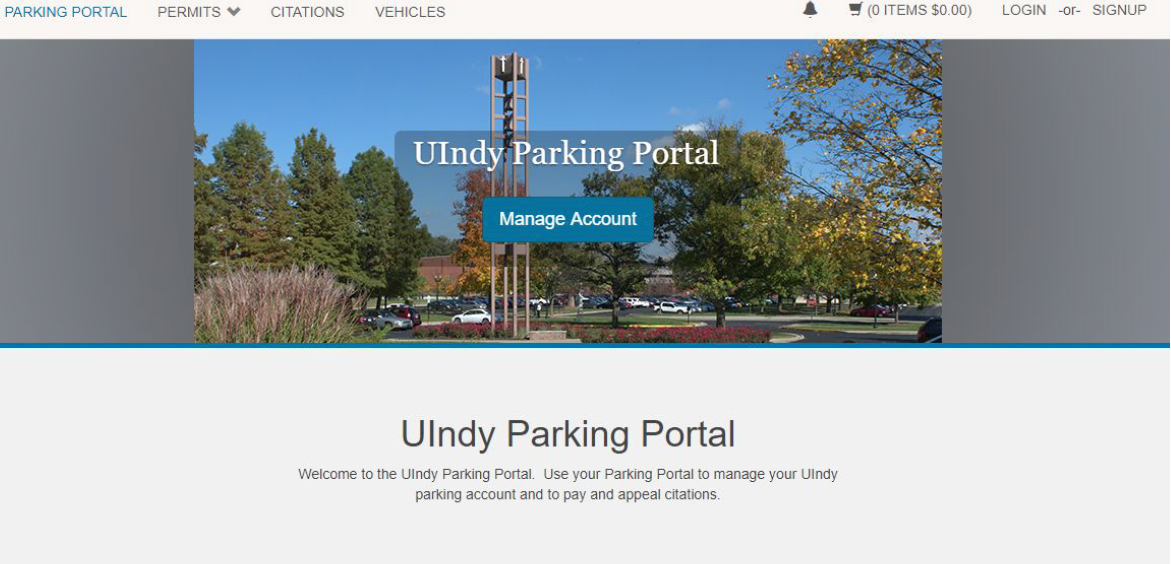
- Click the LOGIN button located on the top right corner of the screen.
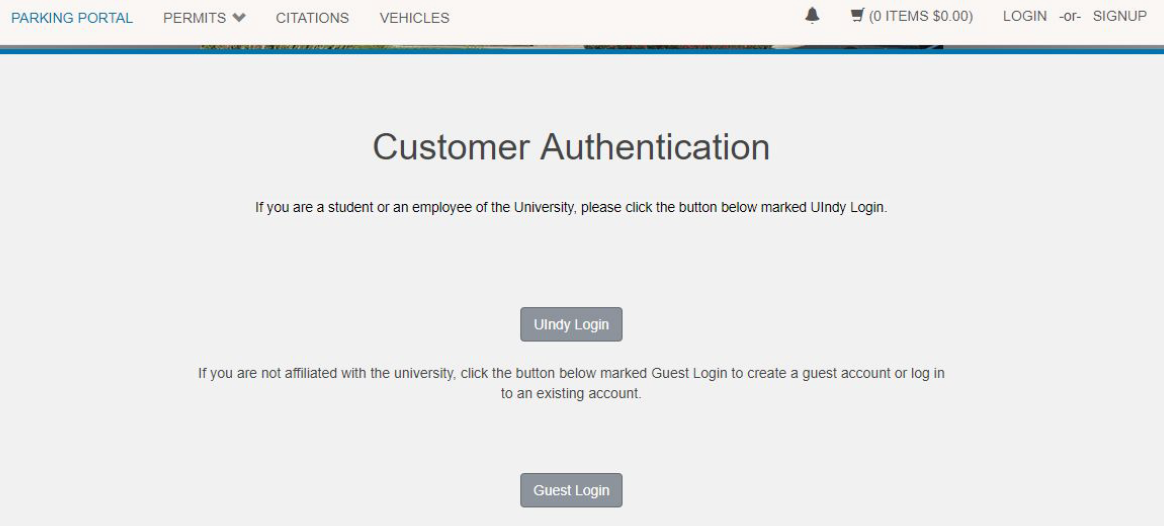
- UIndy employees and students will click on the UIndy Login button and use their UIndy username and password to access their account. Visitors must click on the Signup button (top right corner of the screen) to create a Guest Account before signing in.
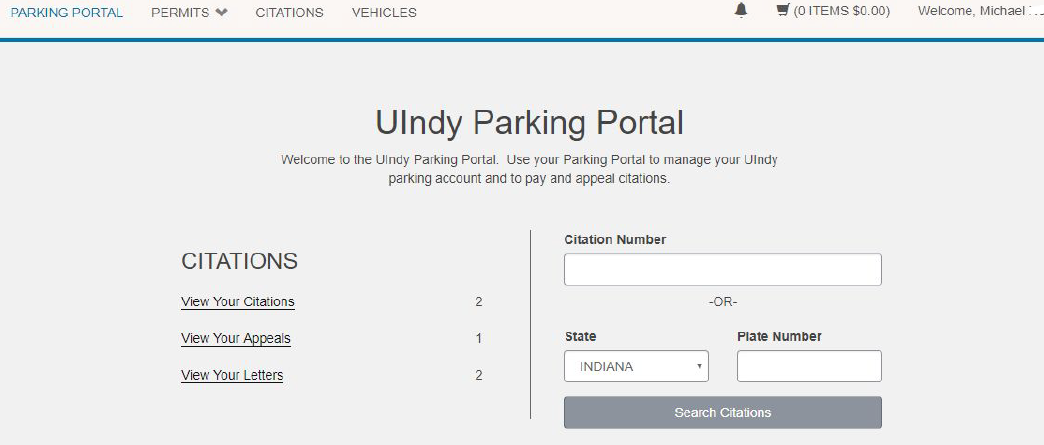
- Click on Permits > Request Temp and Visitor Passes on the top left side of the screen.

- Select Permit Request - Visitor Pass. Accept the terms of the agreement and then click Next.
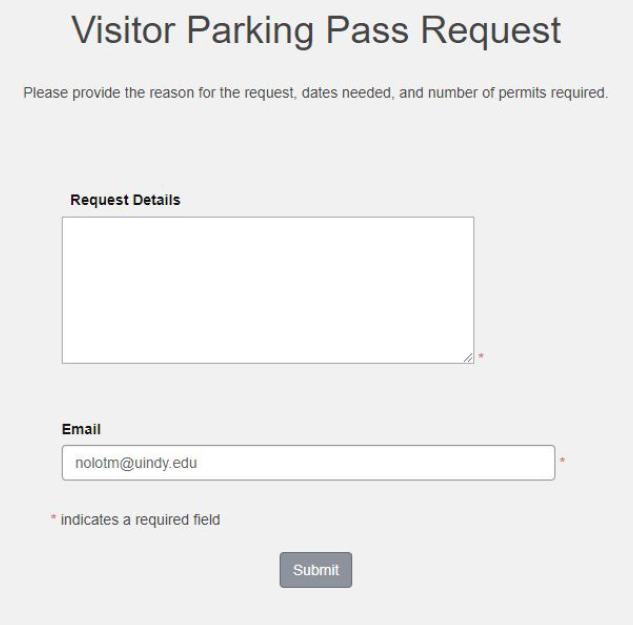
- Complete the requested information and click Submit.
- You will receive a confirmation that looks like this:
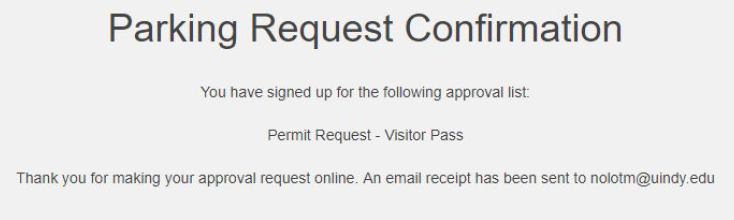
You will also receive an email confirming that your request has been received by the UIndy Police Department.
Once the request has been processed and approved, you will receive another email with instructions on accessing your visitor parking pass.
Questions? Email uindyparking@uindy.edu or call 317-788-3386.